Video that does not demand one unbroken hour
A video can be accurate, thoughtful and beautifully made while still asking more from the viewer than the viewer can give. Imagine arriving at a useful conversation, pressing play and discovering that the information you need is buried somewhere inside an uninterrupted hour. If you cannot comfortably watch or listen to it all at once, you may leave without the answer. That is a design problem, not a lack of interest.
I write and create videos, and I live with lasting effects of a stroke. Those parts of my life meet in a simple question: can someone engage with my work on their own terms? I do not assume that every disabled person needs the same thing. Some viewers want captions. Others prefer audio. Some need to pause and return later. Others want a readable summary so they can decide whether watching will be worthwhile.
Make the starting point clear
A title that promises everything does not help someone decide whether a video deserves their limited time. A short, accurate description can name the main question and what the viewer will learn. If the video discusses three different ideas, say so. If it is a personal reflection rather than a tutorial, be clear about that too. The goal is not to persuade everyone to click. It is to help the right person make an informed choice.
Give the viewer places to return
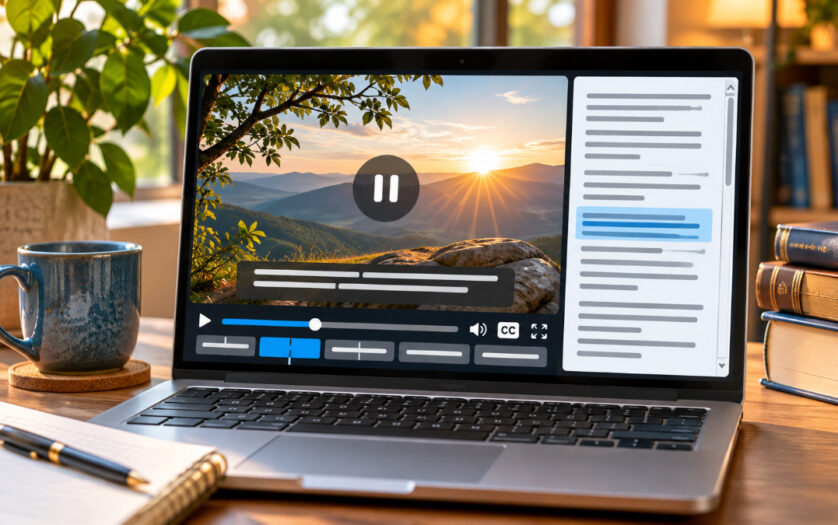
Chapters and timestamps are small acts of consideration. They turn one long viewing commitment into a series of manageable choices. A person can find the section that matters, stop after it and return without searching the whole recording again. Useful chapter titles describe the subject rather than teasing it. “How to prepare a question for your doctor” provides more direction than “The big surprise.”
Treat captions as part of the message
Captions help more than one kind of viewer. They can support people who are deaf or hard of hearing, people watching without sound and anyone who finds written language easier to follow at a particular moment. Automatic captions are a starting point, not proof that the words are correct. Names, specialist terms and short sentences can be misunderstood. When a creator can review those errors, the meaning becomes easier to trust.
Make the words available another way
A transcript lets someone read, search or revisit material without replaying a full video. It can also make a spoken explanation easier to quote accurately. Not every creator has the resources to create a polished transcript of every recording. But even a clear written outline, followed by a transcript where practical, gives people another route into the work. Accessibility is often improved by offering choices rather than guessing one perfect format.
Do not confuse a pause with a lost audience
Online platforms prize watch time and uninterrupted attention. People live differently. A viewer who watches ten minutes today and returns next week may be deeply engaged. A person who reads the transcript instead of playing the video has not failed to participate. Creators should be cautious about allowing a measurement designed for a platform to become their definition of whether a person was helped.
Let the viewer set the pace
The best access improvement may be an invitation that is never spoken aloud: start where you want, pause when you need and come back without penalty. None of these changes requires presenting disability as an inspirational story. They simply recognise that people have different bodies, circumstances and ways of taking in information. I want the videos I make to make room for those differences. A useful message should not require an uninterrupted hour before someone can receive it.
About the Author
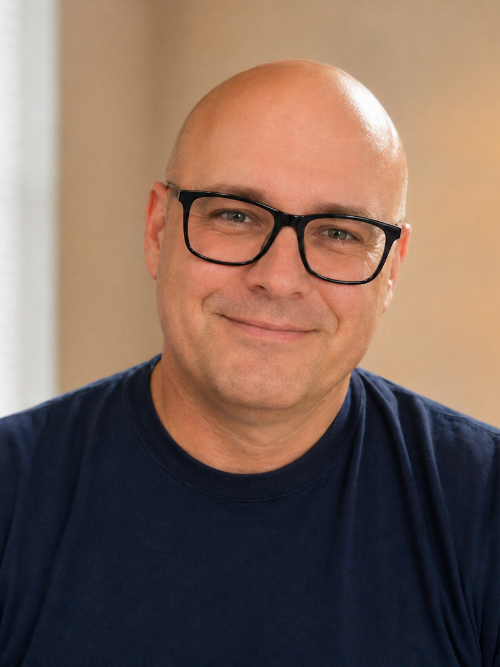
Douglas Vandergraph is a writer and digital creator who lives with the lasting effects of a stroke. His work explores human dignity, resilience, faith, and practical ways to make information and community more accessible.
Featured Stories
-
 December 3rd – A Day of Dignity, Rights, and Shared Humanity
-
 What living with cerebral palsy means to me
-
 Changing attitudes starts with inclusion: disability belongs in public life
-
 Beyond awareness – Developmentally disabled people need protection
-
 Limiting the vote for individuals with intellectual disabilities is limiting democracy